Themes

Wallpapers for LockedIn, free for anyone in the beta. Each one comes as a matching pair, so your Mac and iPhone look the same.

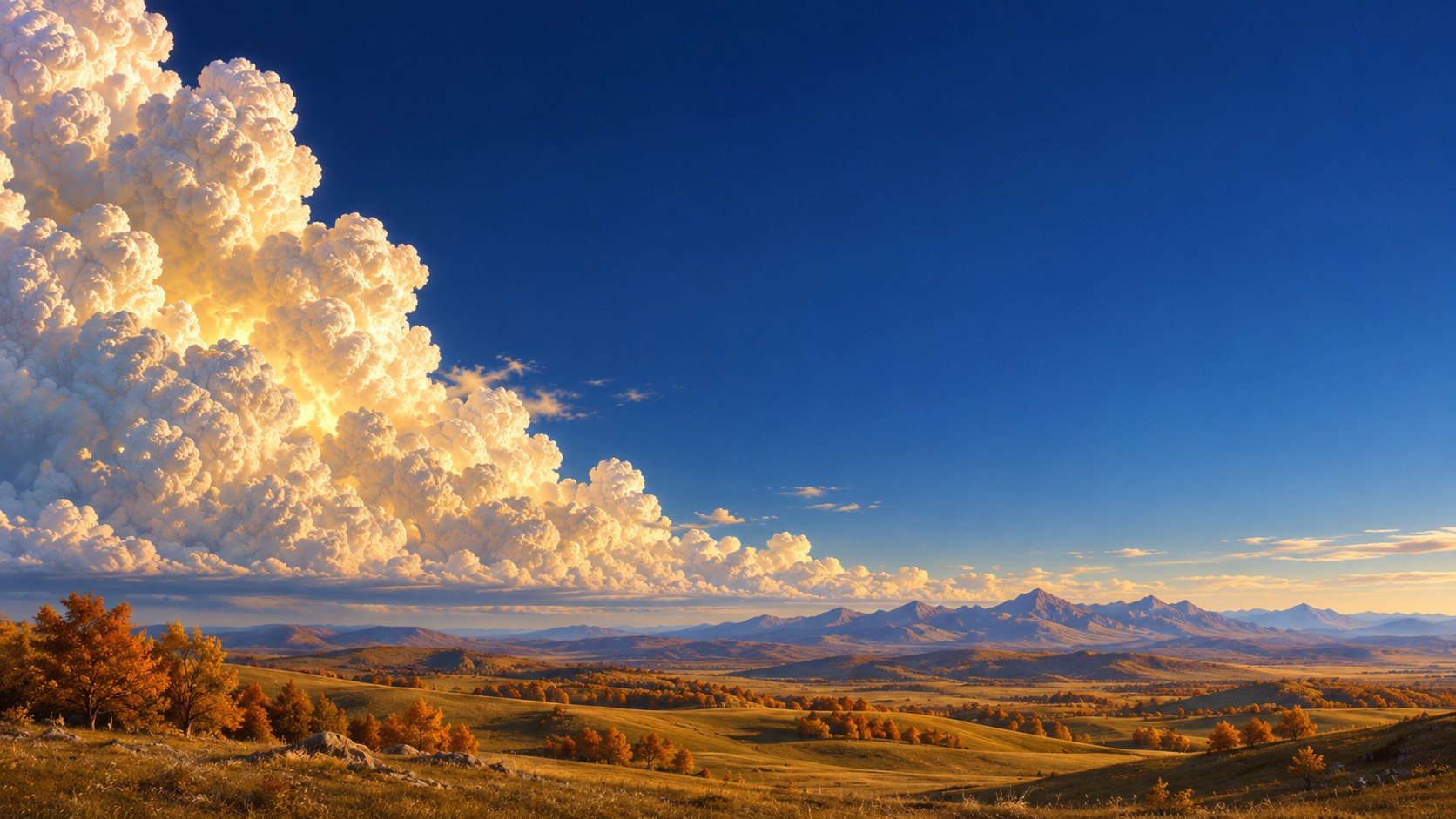
Golden Cloud on Mac Golden Cloud on iPhone

Golden Cloud

Late sun on a towering cloud over open hills.

Starship at dusk on Mac Starship at dusk on iPhone

Starship at dusk

Liftoff in pink evening light.

Starship by day on Mac Starship by day on iPhone

Starship by day

Liftoff under a clear blue sky.

Starship at golden hour on Mac Starship at golden hour on iPhone

Starship at golden hour

Liftoff lit warm from the side.

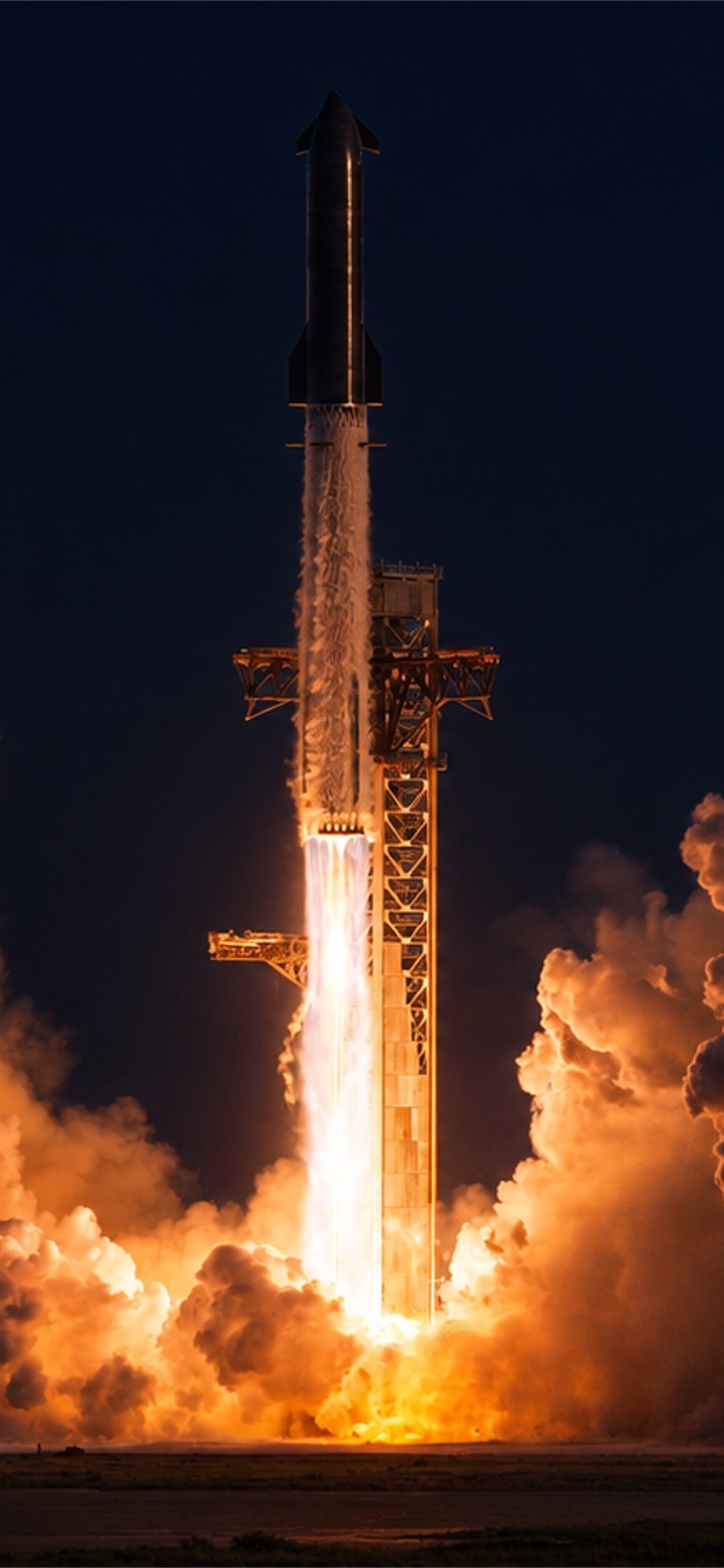
Starship at night on Mac Starship at night on iPhone

Starship at night

Engines glowing against a dark sky.

Set one in LockedIn

  1. Download the Mac version on your Mac and the iPhone version on your iPhone. On iPhone it lands in the Files app, in Downloads.
  2. In LockedIn, open Settings, then Appearance, and choose Own Photo.
  3. Pick the wallpaper from Photos or Files. Leave Same wallpaper on all devices off, so each device keeps its own version.